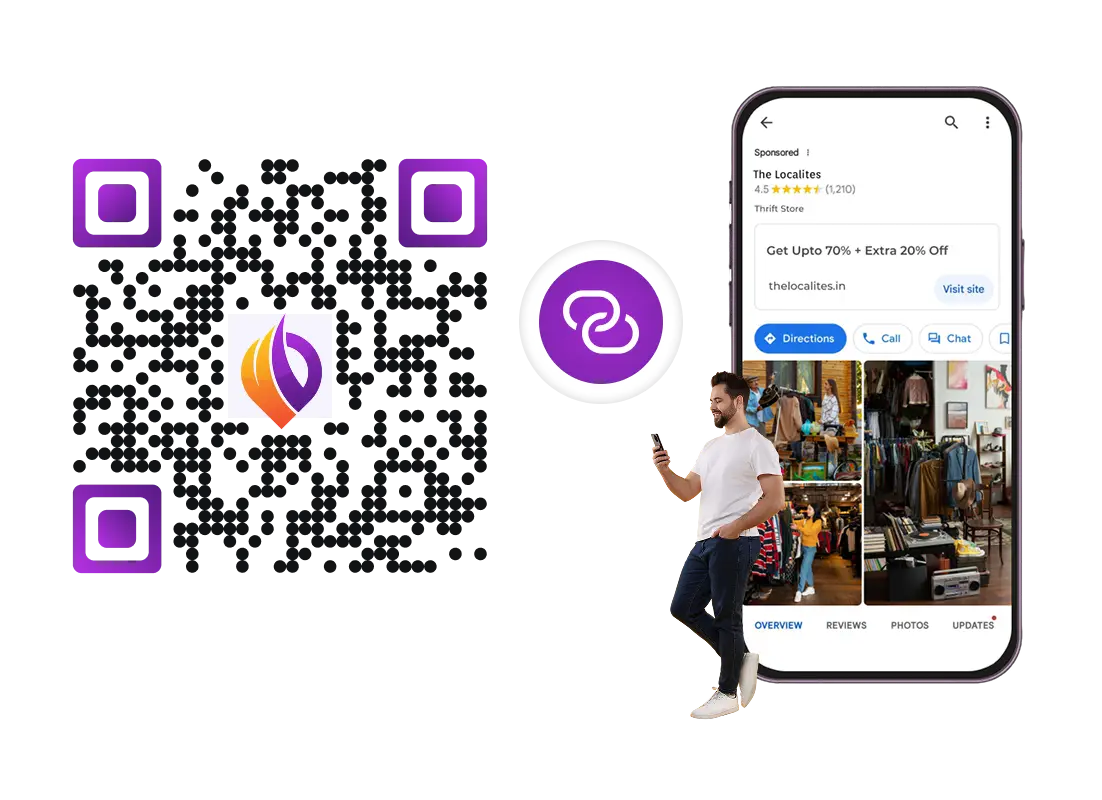
QR Code Generator: Create QR Codes

Quickly convert content into a QR Code with Scanova’s free QR Code Generator

When scanned, redirects user to a website
Loading...
Valid

Enter a valid URL

Choose QR Design
Advanced Settings
When scanned, shows the specified text
Choose QR Design
Advanced Settings
When scanned, displays location on map
OR
Search on Google Maps icon Search on Google Maps Pro Icon
Choose QR Design
Advanced Settings
When scanned, prompts scanning device to save contact
Simple Business Card
Arrow up IconArrow down Icon
Business Card Templates
Choose from pre-designed templates to create customized Business Card QR Code
Arrow up IconArrow down Icon
template 1
template 2
template 3
template 4
template 5
template 6
template 7
Choose QR Design
Advanced Settings
When scanned, prompts scanning device to automatically join a Wi-Fi network
Choose QR Design
When scanned, redirects user to uploaded documents
OR
Upload Document(s) icon Upload Document(s) Pro Icon
Choose QR Design
Advanced Settings
When scanned, redirects user to uploaded images
OR
Upload Image(s) icon Upload Image(s) Pro Icon
Choose QR Design
Advanced Settings
When scanned, displays link to social media profiles of your choice
Add Social Link
Information Icon
Choose only 1 social media profile
Choose QR Design
Advanced Settings
When scanned, prompts Android or iPhone users to download app via Play Store or Apple Store respectively
Apple Store icon
Apple Store
Google Play icon
Google Play
Choose QR Design
Advanced Settings
When scanned, redirects user to uploaded audio files
OR
Upload Audio(s) icon Upload Audio(s) Pro Icon
Choose QR Design
Advanced Settings
When scanned, prompts user to specified email content
Choose QR Design
When scanned, prompts scanning device to dial specified phone number
Choose QR Design
When scanned, shares Bitcoin wallet address with scanning app
Choose QR Design
When scanned, prompts scanning device to send a pre-loaded text message
Choose QR Design
When scanned, requests the user to make a payment via PayPal
Choose QR Design
Advanced Settings
When scanned, prompts scanning device to save event in calendar
Document Icon
Document Icon
Choose QR Design
QR Code Preview
Pro IconSign Up to design and personalize your QR Codes

Banner Image
Download Sample
Downloading...
Download completed checkmark
Download Complete
14-day free trial | No credit card required
Badge
Cisco logo
Toyota logo
Hp logo
Amazon logo
Walmart logo
Nestle logo
AT&T logo
Zynga logo
Westin logo
Fujifilm logo
Cisco logo
Toyota logo
Hp logo
Amazon logo
Walmart logo
Nestle logo
AT&T logo
Zynga logo
Westin logo
Fujifilm logo

QR Codes explained

Here's what you need to know about QR Codes

What is a QR Code?

QR Codes, or Quick Response codes, are two-dimensional barcodes that were first developed in 1994 by the Japanese company Denso Wave. Their primary purpose was to facilitate the tracking of automotive parts, but they have since evolved into a versatile tool utilized across various sectors. QR Codes function by encoding information in a pattern of black squares arranged on a white grid, which can be scanned by devices equipped with cameras, such as smartphones.

When scanned, users can quickly access information encoded in the code, which directs them to websites, displays text, or initiates other digital actions. A QR Code can store up to 4,296 alphanumeric characters. When it comes to numerical data, it can store up to 7,089 characters. Today, QR Codes are extremely popular in marketing, payments, and authentication use cases.

Why QR Codes matter in 2026?

QR Codes are essential in 2026 because they seamlessly bridge print and digital worlds, transforming every physical touchpoint into an interactive engagement opportunity. According to Scanova's internal usage data, QR Code creation grew by over 300% from 2020-21 to 2023-24. This highlights the skyrocketing adoption of QR Codes across industries. Businesses are harnessing QR Codes for real-time insights, personalized experiences, and frictionless journeys—whether it’s instant access to information, contactless payments, lead generation, or campaign tracking.

QR Codes aren’t just for marketing—they streamline operations, boost sustainability by reducing paper usage, and unlock data-driven growth. In a landscape where first-party data and customer engagement are critical, adopting QR Codes is a smart, future-proof strategy for brands intent on staying ahead. With over 6.8 billion smartphone users globally , QR Codes simplify information access and power data-driven marketing for businesses. As consumers demand faster, smarter, and more frictionless interactions, QR Codes are no longer optional; they are essential to stay relevant, responsive, and competitive in a mobile-first world.

What is the difference between Static and Dynamic QR Codes?

Static vs Dynamic QR Codes—Static QR Codes are basic QR Codes that directly encode the target content, just like a barcode. They work forever but are non-trackable and non-editable. Dynamic QR Codes are specialized. They allow you to edit linked content at any time and track scanning activity. QR Code service providers also enable access to other advanced features such as lead generation, custom mobile landing pages, advanced user and engagement tracking, and conditional redirection. Advanced QR Code Makers such as Scanova can generate both Static and Dynamic QR Codes. As per internal usage data, around 98% of Scanova's QR Codes created today are dynamic.

Parameter Static QR Code Dynamic QR Code
Edit Editable Content
Stats Trackable
Settings Advanced Features
Access Access
Free (forever) Subscription required
Clock Expiry
Doesn't expire As per the subscription plan

How do I scan QR Codes?

QR Codes can be scanned using any generic QR Code scanner app or default QR Code scanning feature available in your smartphone. Depending on the handset, Android users can use their camera app, Google Lens, or any third-party scanning app. While iPhone users can use the camera app to scan. Most smartphones are now equipped with a QR Code scanning feature or app.

How to create a QR Code for free?

Follow 3 simple steps to make a QR Code using Scanova's QR Builder

Step
01
User selecting a QR Code category

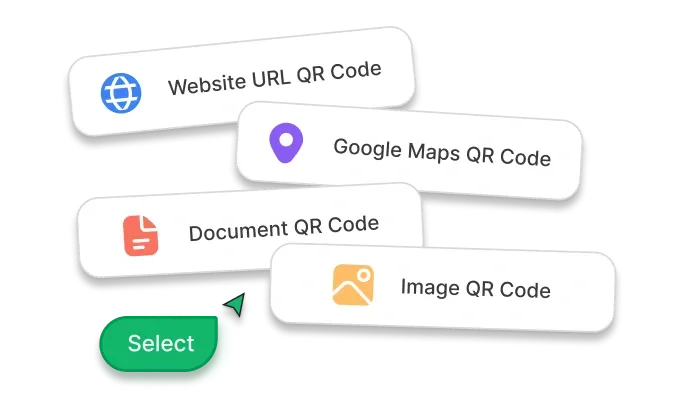
Select QR Code Type

Select a QR Code type based on your specific use case

Step
02
User entering website URL

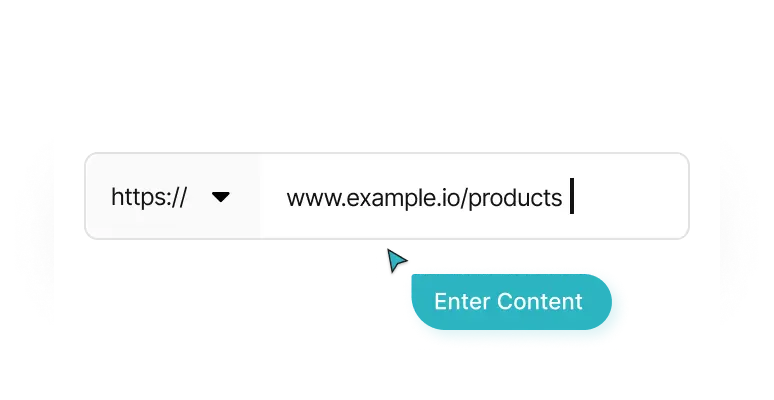
Enter Content

Add required content like Website URL, text, contact info, and more

Step
03
User testing and downloading a QR Code

Check & Download

Scan and test your Static QR Code. Download the image as a PNG.

How do QR Codes work their magic?

Incorporating QR Codes into print collateral can streamline operations, enhance customer
interaction, and drive growth across industries

How it works illustration

Turn paper into instant access

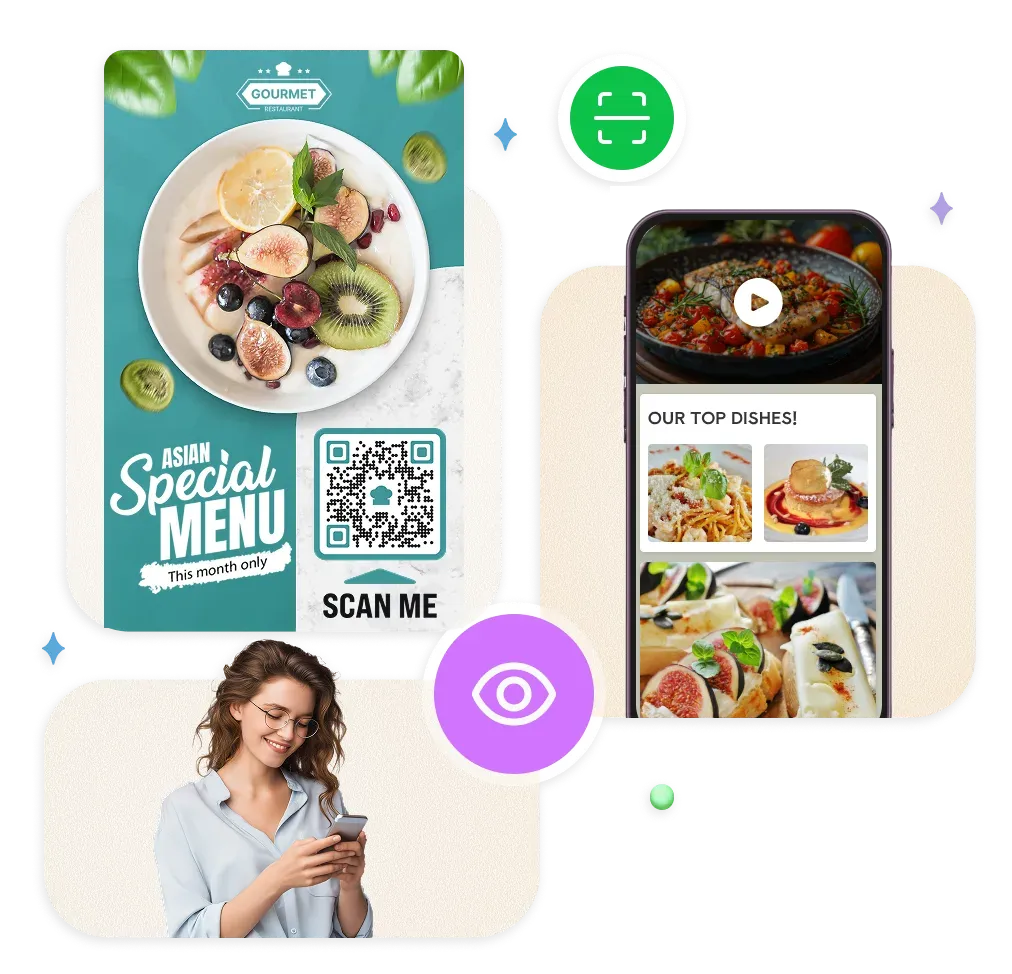
Add a QR Code to brochures, flyers, or product packaging so users can scan and view user manuals, how-to videos, audio guides , images, product specifications, discounts, and other relevant resources

Never lose another business card

Share vCards or digital business cards via QR Codes on print ads or business cards, allowing recipients to instantly save your contact details

One-scan app installs

Place QR Codes on posters, billboards, or packaging that link directly to your app in the App Store or Google Play, making it easy for customers to install your app with a single scan

Skip the search, go straight to follow

Use QR Codes on business cards, packaging, or event materials to direct customers to your Instagram, Facebook, or LinkedIn profiles—helping you build your audience and engagement

GPS navigation made simple

Print QR Codes on invitations, posters, or storefronts that direct to your business or event location in Google Maps, helping visitors find you effortlessly

Event details at lightning speed

Use QR Codes on invites, flyers, or posters to provide instant access key event details. The QR Code landing page can also include a prominent RSVP button, allowing guests to confirm their attendance with a single tap.

Feedback collection that actually works

Add QR Codes to receipts, menus, or product packaging that link to feedback forms or review sites, allowing customers to easily share their opinions

Content downloads without the hassle

Use QR Codes on posters or handouts to let users instantly download e-books, whitepapers, guides, catalogs, and more—making content distribution fast, eco-friendly, and trackable

Why create QR Codes? Big wins, small effort.

Stop leaving money on the table, make every print collateral work harder

A trackable, Dynamic QR Code outside a retail storeA trackable, Dynamic QR Code outside a retail store

Turn static print into a sales machine

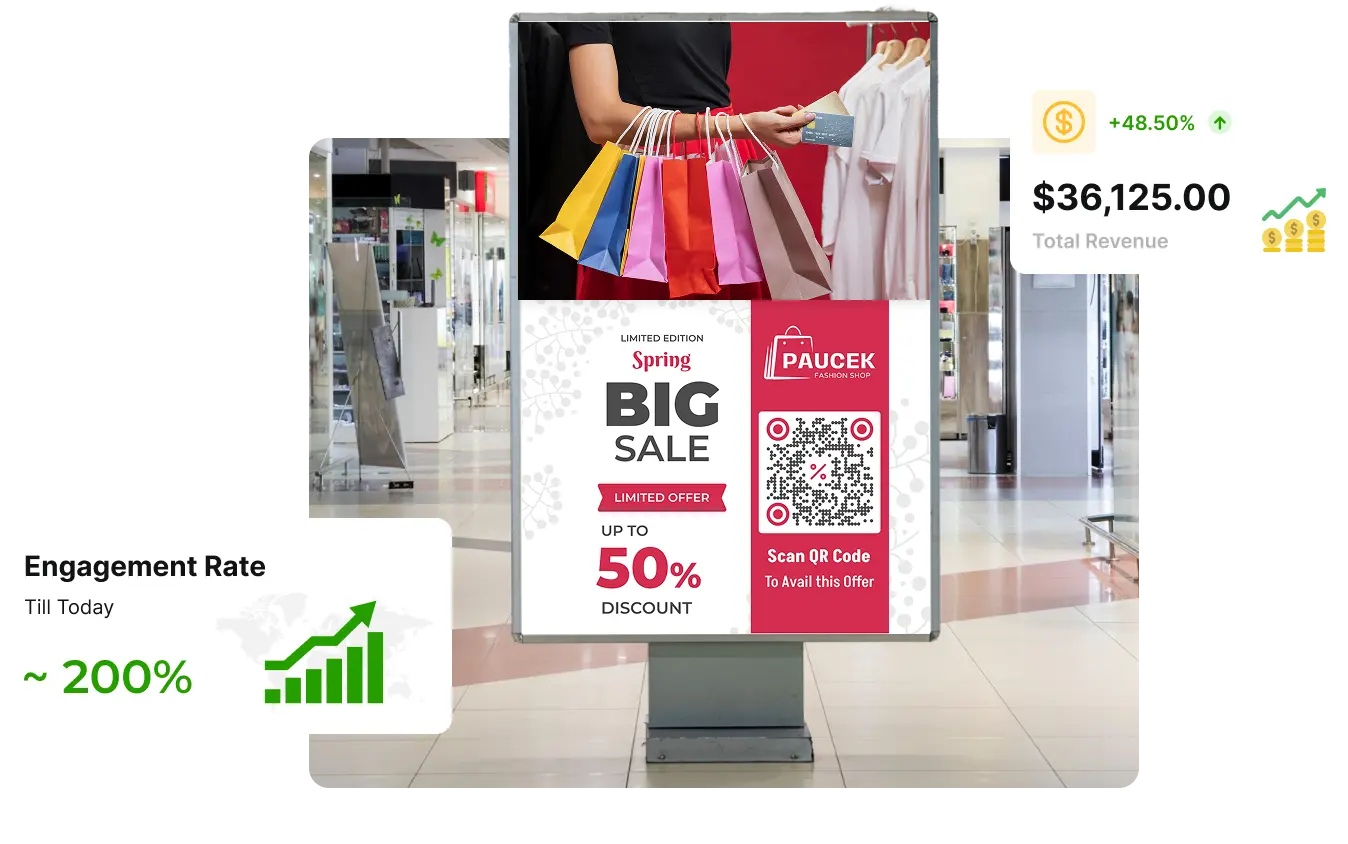
Add QR Codes to your print marketing materials to transform static materials into gateways for engagement, registrations, or even sales. Your target audience can scan and immediately access offers, sign-up forms, product demos, or shopping pages, and more.
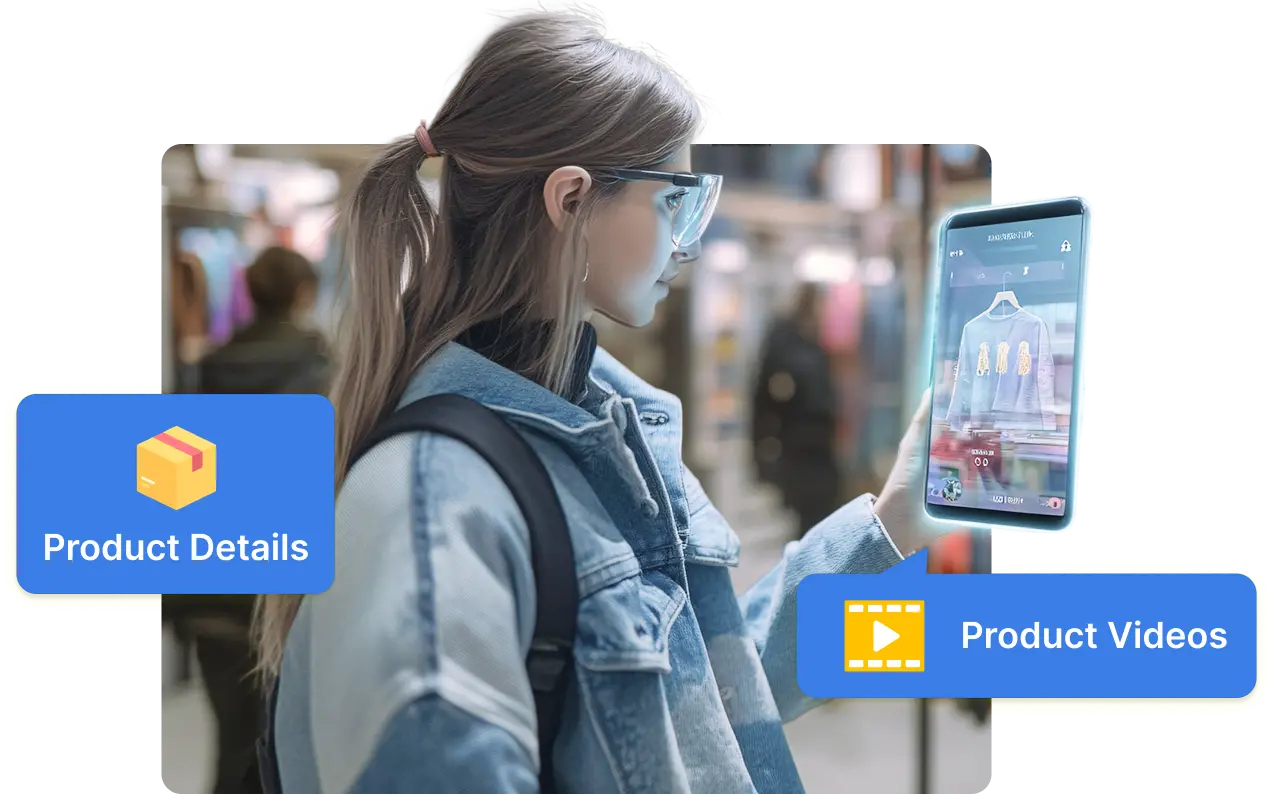
Customer scanning a QR Code to access product details and videosCustomer scanning a QR Code to access product details and videos

Bridge offline to online in one scan

QR Codes provide the fastest link between offline print collaterals and online content. With a simple scan, users can instantly view product details, videos, menus, brochures, or instructions. This eliminates friction and improves the offline-to-online experience.
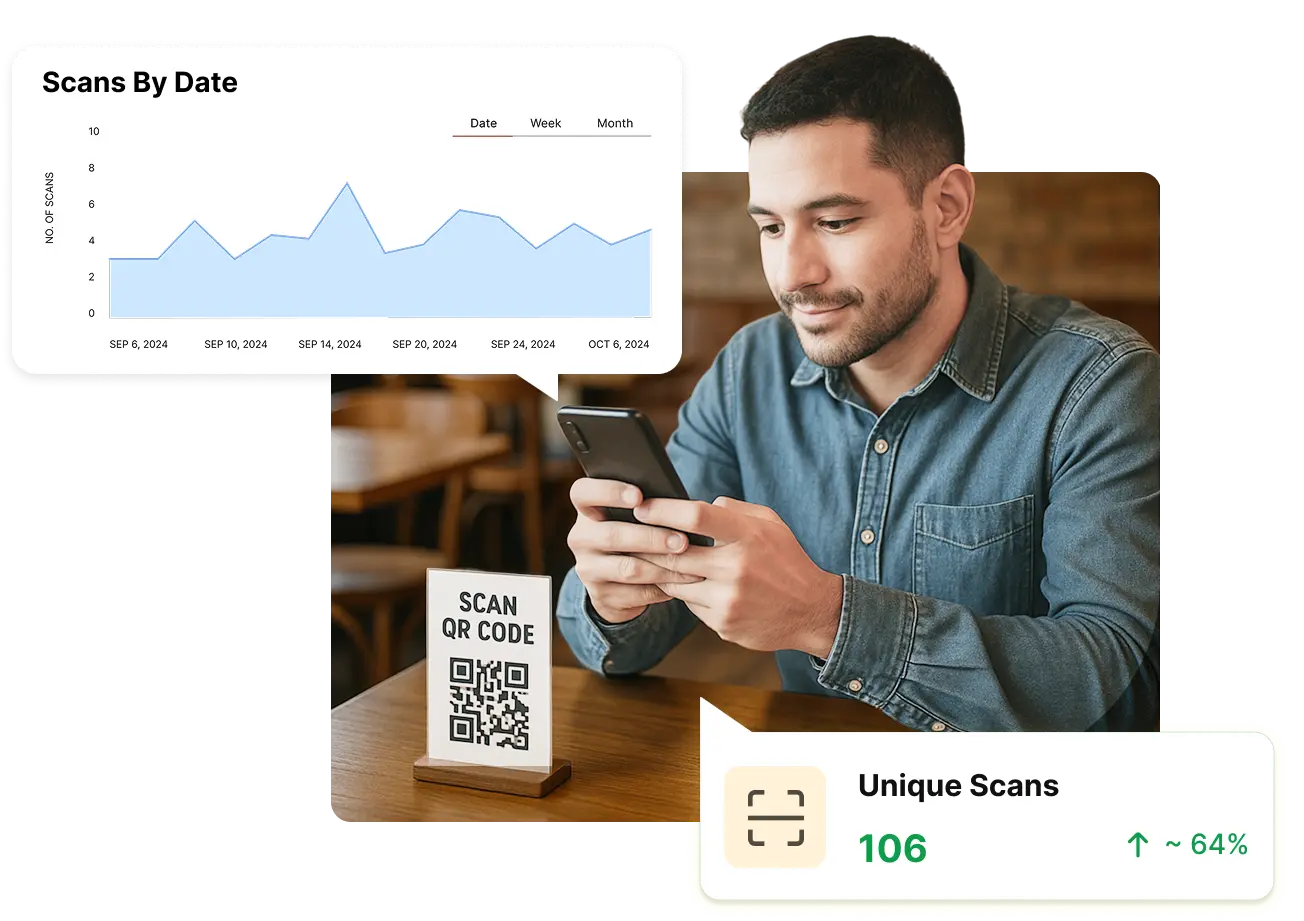
Person analyzing scan data of their QR CodesPerson analyzing scan data of their QR Codes

Finally track your print campaign ROI

Every scan is a trackable event, allowing you to calculate the ROI of your print advertising campaigns. Easily collect data on scan rates , locations, timing, and more to gain insights into what resonates with your audience and refine future strategies.
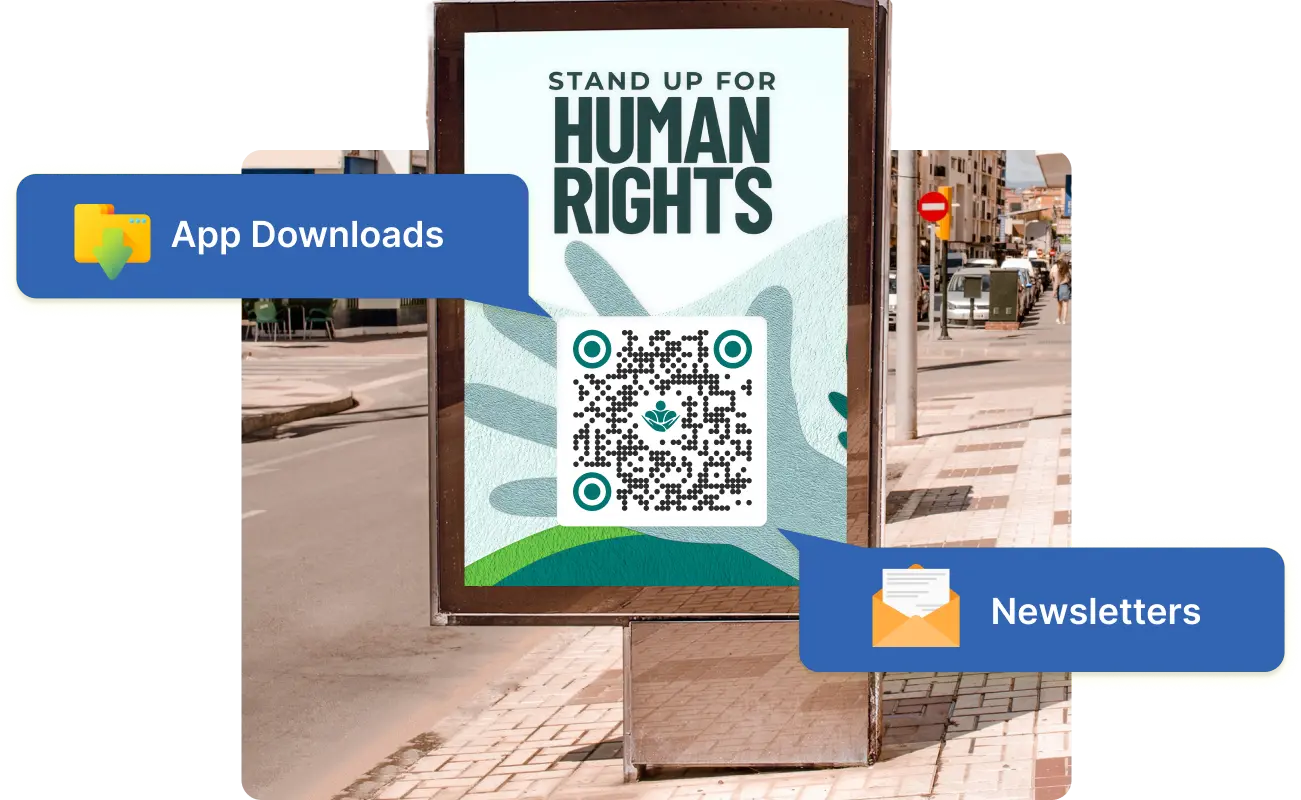
QR Codes being used to generate leads, drive app downloads, increase social media following, and moreQR Codes being used to generate leads, drive app downloads, increase social media following, and more

Turn scanners into lifelong customers

QR Codes can do more than just engage—use them to generate leads and nurture ongoing relationships. Enable customers to sign up for newsletters, download apps, or participate in loyalty programs with one scan, so you can keep re-engaging your audience long after the initial campaign is over.
Person updating the content of their Dynamic QR CodesPerson updating the content of their Dynamic QR Codes

Marketing made simple and smart

QR Codes are easy to create, require no special technical skills, and are one of the most cost-effective marketing technologies. You can update the linked content without reprinting materials, minimizing costs and keeping your campaigns effective and up-to-date.

Built for unbreakable data safety

At Scanova, your security and privacy are our top priorities. Our platform adheres to ISO/IEC 27001:2022, GDPR, and SOC2 compliance standards, ensuring your data is always handled with the highest level of protection.

ISO logo
GDPR logo
SOC logo

Types of QR Codes you can create using Scanova's free tool

These Static QR Codes will work forever and cannot be edited or tracked

power-1.svg

Website URL QR Code

When scanned, redirects user to the specified website

power-2.svg

Document QR Code

When scanned, redirects user to the uploaded document(s)

Frame 1984077795 (1).svg

Image QR Code

When scanned, user can view or download image(s)

power-4.svg

Google Maps QR Code

When scanned, displays a location on Google Maps

power-5.svg

Simple Business Card QR Code

When scanned, prompts scanning device to save contact

power-6.svg

Social Media QR Code

When scanned, displays link to social media profiles of your choice

power-7.svg

Audio QR Code

When scanned, redirects user to uploaded audio files

power-8.svg

Text QR Code

When scanned, displays the specified text on the scanning device

power-9.svg

Phone QR Code

When scanned, prompts scanning device to dial specified phone number

power-10.svg

Email QR Code

When scanned, prompts user to specified email content

power-11.svg

Calendar Event QR Code

When scanned, prompts scanning device to save event in calendar

power-12.svg

WiFi QR Code

When scanned, prompts scanning device to automatically join a Wi-Fi network

6 proven ways to double your scans

Maximize the impact of your QR Codes with these strategies

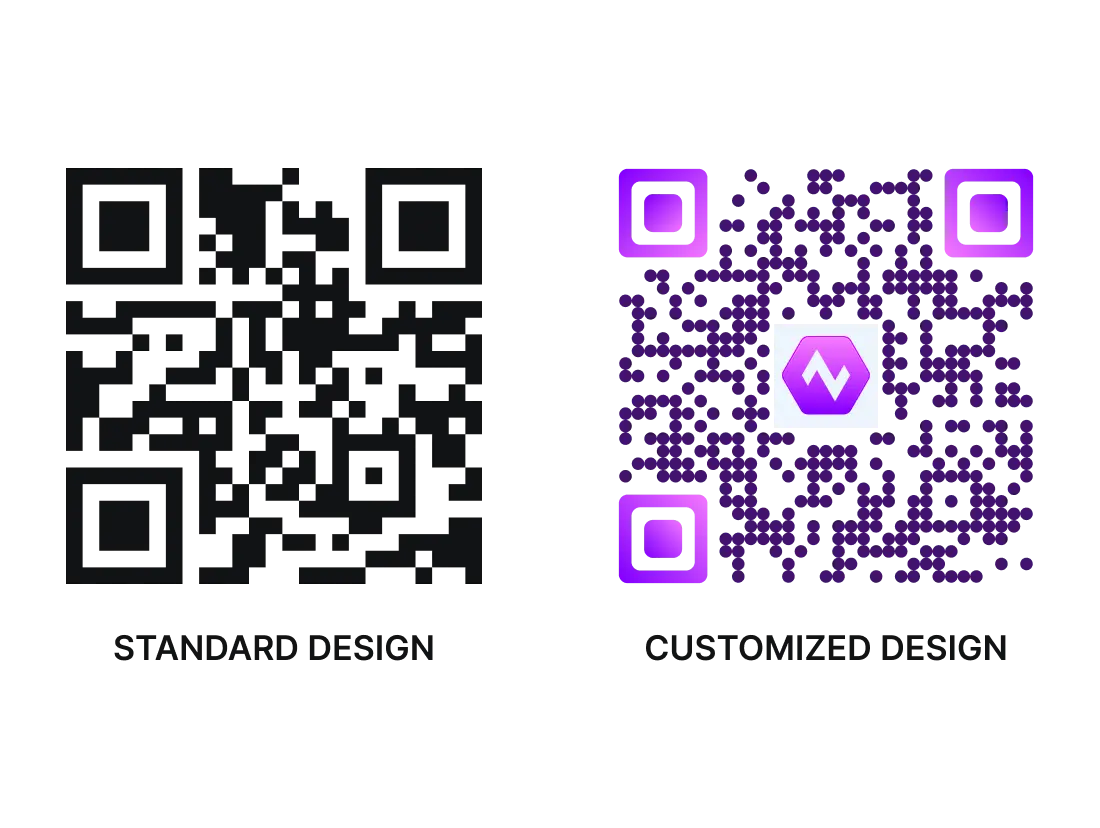
A plain black-and-white QR Code versus a customized QR CodeA plain black-and-white QR Code versus a customized QR Code

Customize QR Code design

Your target audience can confuse plain black-and-white marketing QR Codes with non-customer-facing barcodes. Plus, a plain QR Code will mostly not align with the design of your marketing creative. Add design and branding elements to make your custom QR Codes visually appealing and attract 50-200% more scans than standard QR Codes. Note: You cannot customize the QR Code design using the free QR Maker tool. Start a 14-day free trial to access advanced features like customization.
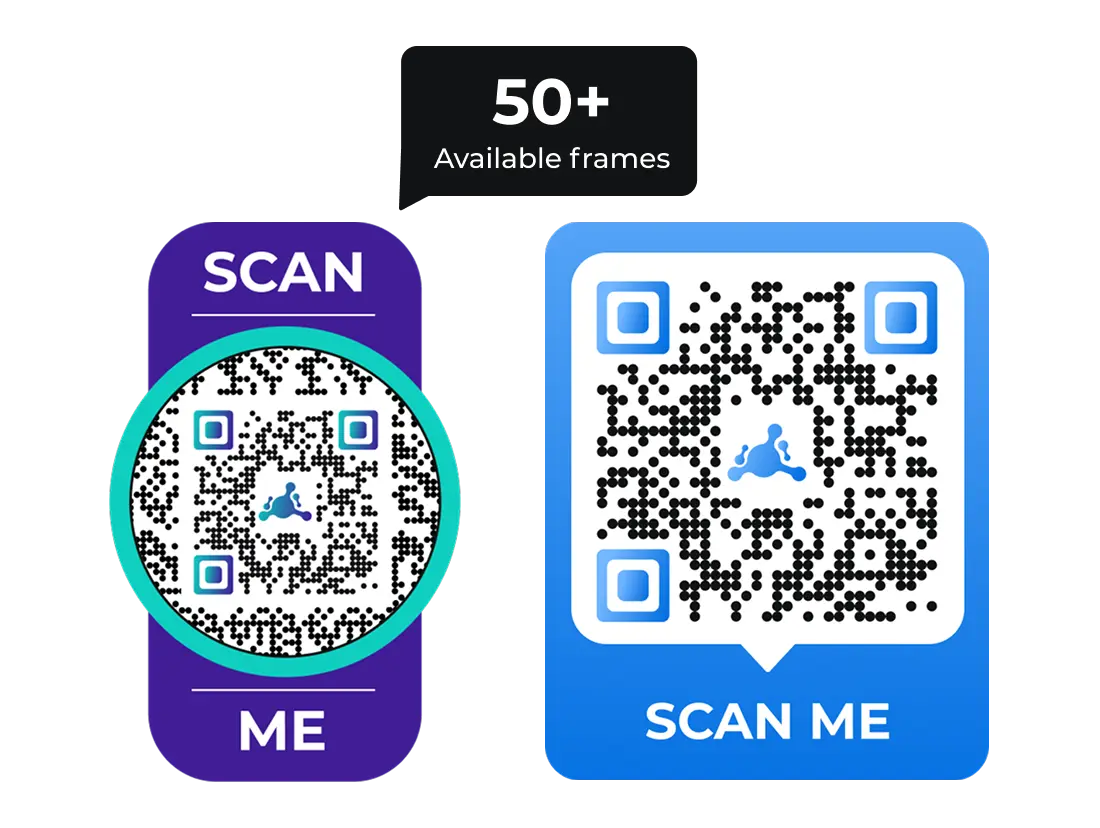
QR Codes customized with framesQR Codes customized with frames

Add converting frames to QR Codes

According to an eMarketer report , the number of US smartphone users scanning a QR Code will increase from 83.4 million in 2022 to 99.5 million in 2025. Hence, it's advisable to make your QR Codes stand out by adding elements like ready-made frames . Frames are graphics that come in multiple designs and enclose the QR Code—enhancing the overall visual appeal of the QR Code.
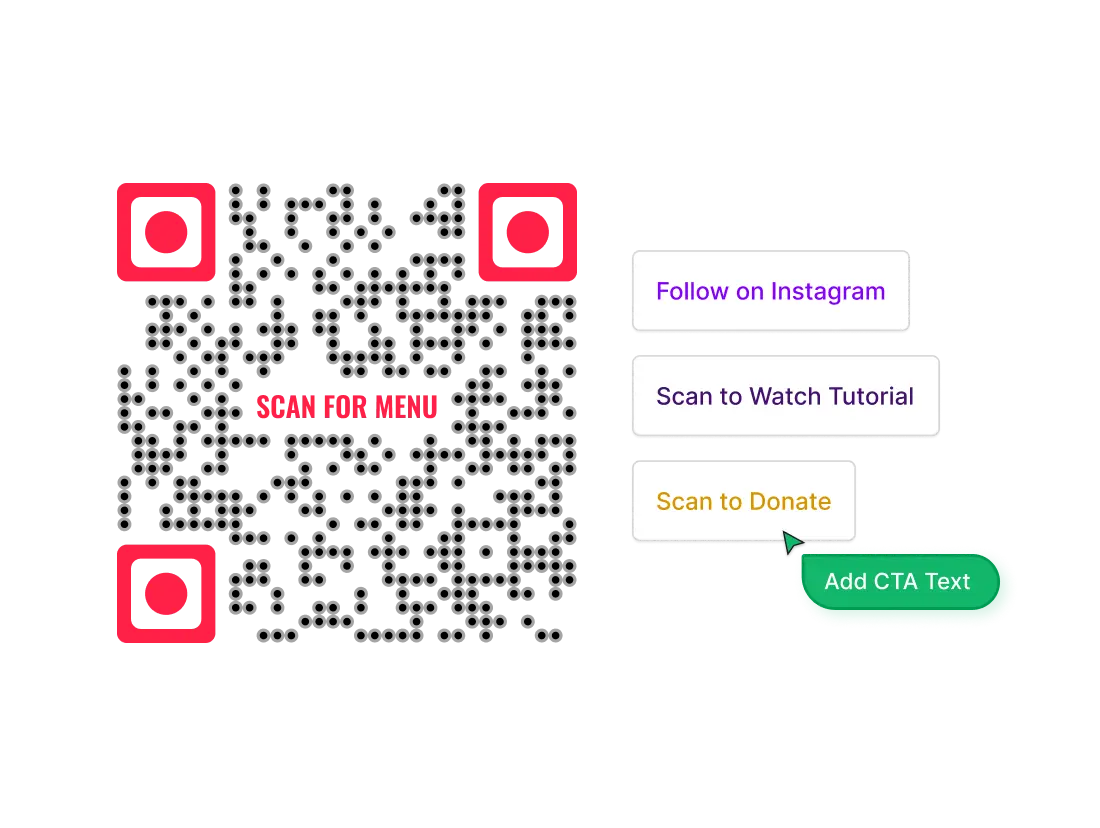
A custom-designed QR Code with a relevant call-to-actionA custom-designed QR Code with a relevant call-to-action

Add a call-to-action

Inform your target audience about what the QR Code does. Some good examples of call-to-action (CTA) text are—Scan for Menu, Scan to Watch Tutorial, Scan to Donate, Scan to Read Full Article, and Follow on Instagram.

Tip: You can add CTA text in the center of the QR Code if you are short of space.
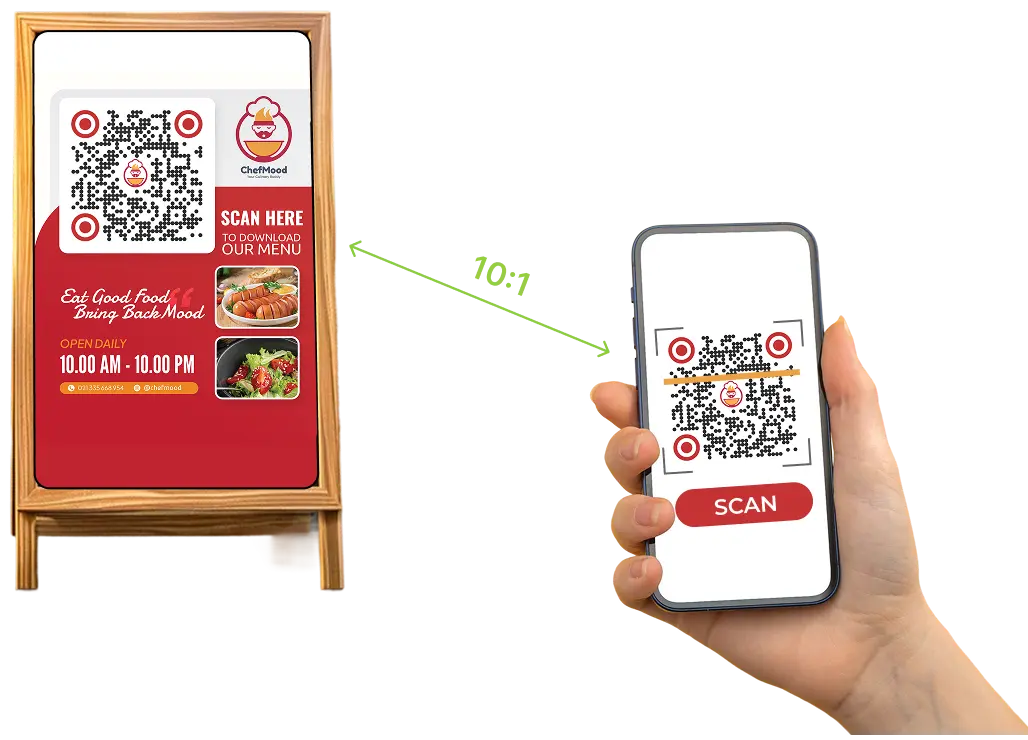
A scannable QR Code in actionA scannable QR Code in action

Ensure scannability

Users can find it frustrating when a QR Code doesn't respond. Scannability depends on size, color contrast, scanning distance, and lighting.
  • The minimum size of a QR Code should be 1 inch or 3 cm or 115 pixels (both width and height)
  • In case of colored QR Codes, it’s best to opt for high-contrast between foreground and background colors
  • Always maintain a ratio close to 10:1—if a QR Code is to be scanned from 100 cm away, it must be at least 10 cm wide
  • Ensure good lighting conditions around the QR Code for successful QR Code reading
Tip: Use Dynamic QR Codes that shorten lengthy URLs to simplify the code.
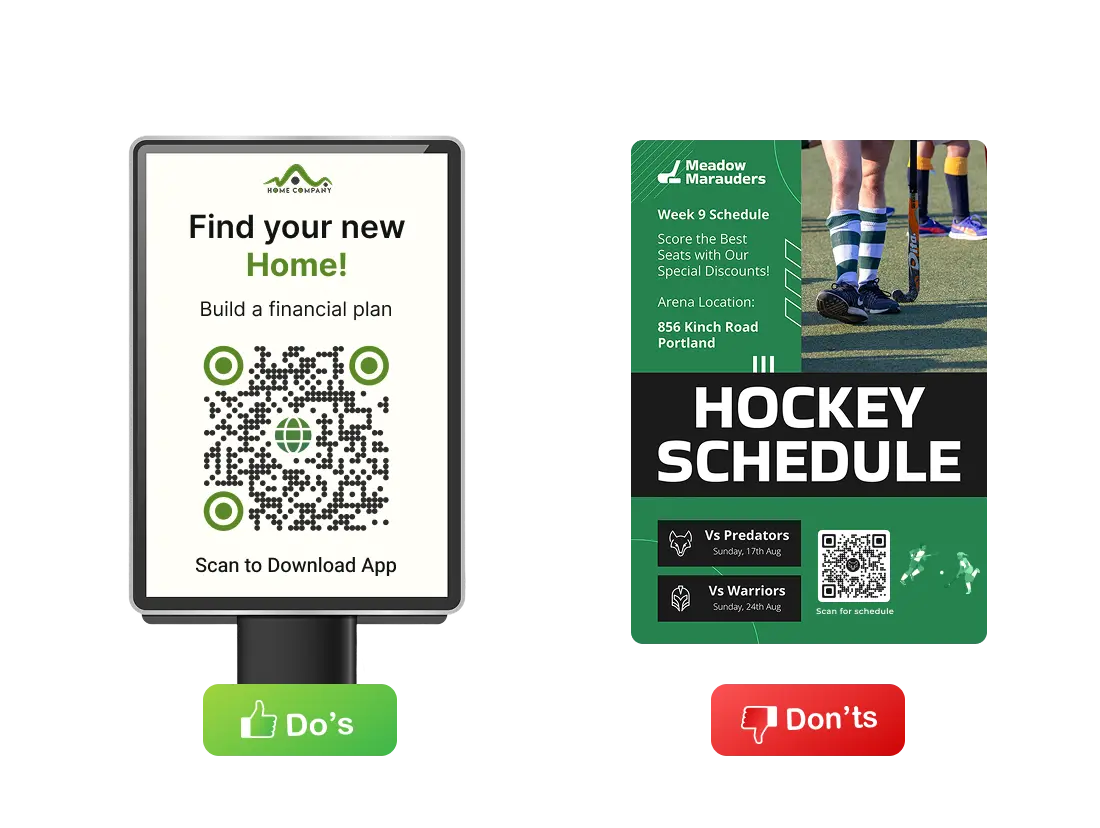
An accessible, enlarged QR Code on a billboard vs an inaccessible, small QR Code at the bottom of a print materialAn accessible, enlarged QR Code on a billboard vs an inaccessible, small QR Code at the bottom of a print material

Make it accessible

To make your QR Code accessible, you need to ensure both safe scanning distance and easy access to mobile internet. Placing QR Codes on moving vehicles, distant billboards, or the bottom section of print material can reduce accessibility. Limited network/WiFi areas, like flight or underground stations, can also affect scans.
This link will open in a new tab.This link will open in a new tab.

Link to mobile-optimized content

Whether you are using a professional QR Code Generator or a free online QR Code Generator , these codes are meant to be scanned by mobile devices. Hence, it's best to craft a smooth and mobile-friendly experience for the target audience.

Tip: You can easily create a custom mobile page using Scanova if you don't have one.

From solopreneurs to Fortune 500—all have grown with Scanova

See what our customers are saying about our online QR Code Generator

Embracing the future of QR Codes

QR Codes have evolved into indispensable tools for businesses, marketers, and professionals, bridging the gap between offline and online worlds. With benefits like instant access, customization, robust analytics, and security, a QR Generator software empowers you to create engaging, interactive experiences for your audience.

Ready to generate your QR Codes? Explore Scanova’s free trial and experience a professional QR Code Generator tool designed for ease, security, and maximum impact.

14-day free trial | No credit card required

QR Code Generator

Frequently Asked Questions

Get quick answers related to Scanova QR Code Generator

How do QR Codes work?

A QR Code works by encoding information—such as a website link, contact details, or text—into a two-dimensional grid of squares. When you scan a QR Code with a smartphone or QR Code scanner, the encoded data is instantly decoded. A QR Code Generator like Scanova lets you create QR Codes for multiple uses by inputting your desired data, customizing the appearance, and downloading your code.

Will QR Codes replace barcodes?

GS1 QR Codes are set to replace traditional barcodes for inventory management and retail, driven by the GS1 Sunrise 2027 initiative . Leading brands like L'Oréal are already adopting these codes, which can store much more information than standard barcodes—enabling better inventory tracking, traceability, and consumer engagement. While both barcodes and GS1 QR Codes will coexist for some time, the industry trend indicates that GS1 QR Codes will become the future standard for product identification and inventory management.

What is the maximum data capacity of a QR Code?

A QR Code can store up to 4,296 alphanumeric characters. When it comes to numerical data, it can store up to 7,089 characters. Compared to barcodes, QR Codes have a much higher data storage capacity. This allows them to encode large amounts of information in a compact space.

What are QR Codes used for?

QR Codes are used for a wide range of applications, including marketing promotions, product packaging , event ticketing, business cards, sharing web links, and delivering multimedia content. Their versatility and high data capacity make them valuable in many sectors.

Does Scanova have a free online QR Code Generator?

Yes. Scanova offers a free online QR Code Generator that allows you to create and download Static QR Codes.

How do I create a QR Code for free without signing up?

You don't need to sign up while using Scanova's free online QR Code Generator. Simply select a QR Code type, enter your content, and download the image file. Note: Scanova offers a free QR Code Generator that allows you to create Static QR Codes. For editable and trackable Dynamic QR Codes, a 14-day free trial is available.

What is the maximum number of QR Codes that I can create using Scanova?

The maximum number of QR Codes you can create depends on your subscription plan. Visit Scanova’s pricing page to learn more. You can create 3 Dynamic QR Codes in your free trial.

Can I create a QR Code that directs my target audience to a website?

Yes, you can easily create a Website URL QR Code that directs users to any website when scanned. As per Scanova's internal data, Website URL QR Code is one of the most used QR Code categories.

Does Scanova offer a Google Maps QR Code Generator?

You can create Google Maps QR Code or Location QR Code using Scanova. Upon scanning this QR Code, your target audience will be shown the specified location on Google Maps.

Are QR Codes from Scanova safe to use and scan?

Yes, all QR Codes created using Scanova are secure. Scanova is ISO/IEC 27001:2022, GDPR, and SOC2 compliant. The QR Builder adheres to stringent security protocols, ensuring that user data is protected and secure. Note: While generating QR Codes, always use secure URLs (HTTPS) and only link to trusted resources.

How much does a Dynamic QR Code cost?

The cost of a Dynamic QR Code depends on your subscription plan. Scanova offers several pricing plans with different features, typically billed monthly or annually. You can choose a plan based on your campaign needs and required analytics. Visit Scanova’s pricing page to learn more. You can always opt for the 14-day free trial before purchasing a plan.

Can I know how my QR Codes are performing?

Yes. In the case of Dynamic QR Codes, you can track the performance of your codes. Get data on the number of scans by date, day, time, city, country, type of device, browser, operating system, and handset. Also, get to know the exact GPS location of each scan. Static QR Codes cannot be tracked.

Can I customize my QR Codes?

Yes, Scanova allows you to customize your QR Codes. You can change their color, add your logo, adjust patterns, insert frames, and select branded short URLs to align with your brand identity, making the codes more engaging and trustworthy to users.

What types of content can I convert into a QR Code?

You can generate QR Codes for various content types, including links, documents, images, audio files, Google Maps locations, business cards, calendar events, and contact details. Select a QR Code type that matches your specific use case for best results.

Will my Static QR Codes ever expire?

No. Static QR Codes work forever and don't expire, as they directly encode the target information. However, this means that the information cannot be updated or edited after the code is generated.

Is there a limit to how many times a QR Code can be scanned?

No. With Scanova, there is no limit on the number of times your QR Codes can be scanned. Whether you use Static or Dynamic QR Codes, users can scan them unlimited times without restrictions.

Can QR Codes function if they are partially damaged?

Yes. QR Codes are designed with error correction capabilities that allow them to remain scannable even if partially damaged or obscured. Scanova-generated QR Codes typically support up to 30% error correction, depending on the level you select when generating the code. This robustness ensures reliable scanning even when the code is smudged, torn, or distorted.

Can I reuse a QR Code?

Dynamic QR Codes can be reused as they are editable. You can change the destination content whenever required. Static QR Codes cannot be reused as they are non-editable.

Does Scanova provide a bulk QR Code generator?

Scanova provides a bulk QR Code generation feature that allows you to create multiple QR Codes simultaneously. Simply upload your data in a specified template (such as a spreadsheet), and Scanova will automatically generate the QR Codes in bulk for quick and efficient distribution.

What is the advantage of linking a QR Code to a landing page?

Linking a QR Code to a landing page allows you to update and optimize content without changing the QR Code itself. It also helps you deliver targeted messages, track user engagement, capture leads, and provide a seamless mobile experience.
try cta image

Get started with Scanova

demo cta image

Not sure if Scanova meets your requirements?